Know exactly what you can spend today. Every day until payday.
Money Reset is a little app on your phone. It gives you one number for today, colors your month green or pink as you go, and every Sunday Del helps you reset it in five minutes.
Make my salary last · $9One payment. Opens on your phone in a minute. No bank login.
Not for you? 14 days, one email, full refund.
Three questions. One number. A month in color.
This is the real app, not a mock-up. Your pay, your payday, your bills, and it tells you what you can spend today. Thirty seconds a night to add what you spent, five minutes on Sunday to get a fresh number.
Make my salary last · $9One payment. Opens on your phone in a minute. No bank login.
Not for you? 14 days, one email, full refund.
This is your month, in color.
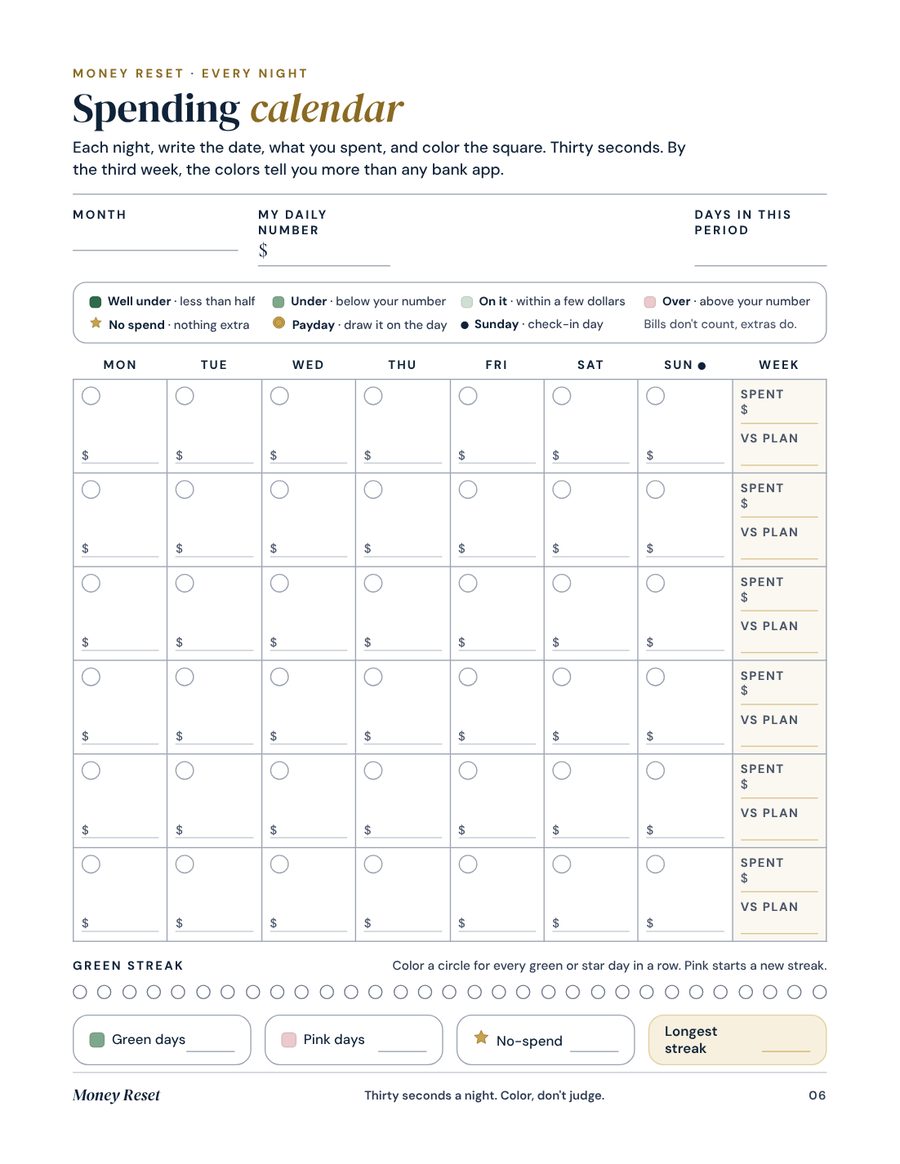
Add what you spend, thirty seconds a night. The app colors the day for you: green when you stayed under your number, pink when you didn't, a gold star when you spent nothing at all.
Tap any day to hear what Del makes of it. Week three goes pink for most of us. Look what happens after the Sunday check-in on the 21st.
Day 31 · todayTap a day, darling. Every square has something to say.
It's not your salary. It's the month.
Three things nobody tells you when the money lands.
You don't know your number.
Your balance looks lovely on the first. Nobody tells you what you can actually spend today, once the bills and the savings are out.
Week three always bites.
Not because you're bad with money. Because nobody planned for the birthday, the fuel and the bill that always surprises you.
Saving comes last.
You save whatever is left. There is never anything left. The order is the problem, not you.
About 45 minutes a month. That's the whole thing.
The app follows your pay, not the calendar. It does the math, so you don't have to.
On payday
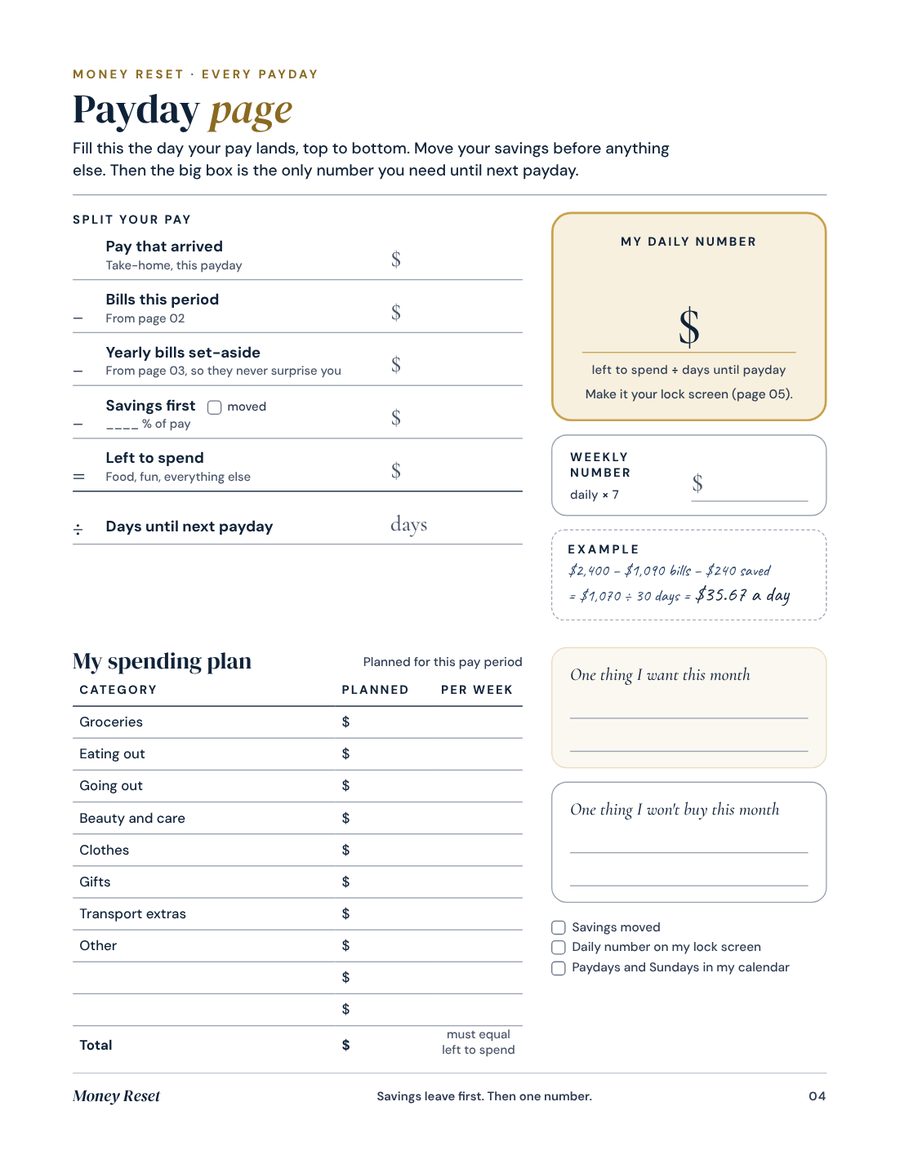
Type your pay and your bills. Savings go first. The app gives you your daily number until the next payday.
10 minutesEvery night
Add what you spent. Your day turns green or pink, and tomorrow's number adjusts by itself.
30 secondsEvery Sunday
Type what's left. You see if you're ahead or behind, and you get a fresh number for the days to go.
5 minutesBefore payday
Look back at your month: plan against real life, green days, what you saved. Pick three changes.
15 minutesFive tabs. One calm month.
It opens in your phone's browser. Add it to your home screen and it works like any app.
Your number, right now
What you can still spend today, and a quick add with one tap per category.
The color calendar
Your whole month at a glance, plus your plan against real life for every category.
The 5-minute check-in
Ahead or behind, a new number for the days left, and a leak hunt for the subscriptions you forgot.
Split your pay
Bills, savings first, then your spending plan. Plus a lock screen image and calendar reminders.
Savings jars
A jar per goal, a cushion for surprises, and three gentle challenges to fill them.
A fresh start, every payday
On payday the app walks you through it: last month in color, savings first, your new number.
For when the month goes pink
Three pink days in a row? Pick two no-spend days and the app rebuilds your week around them.
One line a day, for your month
Del reads how your month is going and has a word for you every day. Never a lecture.
Yours, and only yours
No account, no bank link. Change phones with a one-tap backup, or take your numbers to a spreadsheet.
A note from Del, right when you need it.
Seven short emails, timed to your month. Each one tells you what to open and why.
Twenty minutes, something nice in a glass. Then wait for payday.
The forgotten bill, the category that's already too small. Fix it while it costs nothing.
Every repeat payment: keep, lower or cancel. Then look at the yearly total.
What's still coming before payday, and two no-spend days you pick while you're calm.
Decide where the money goes before it arrives. Fill your jars.
Not a judgment. A map for next month.
Plus the paper version, if you like a pen.
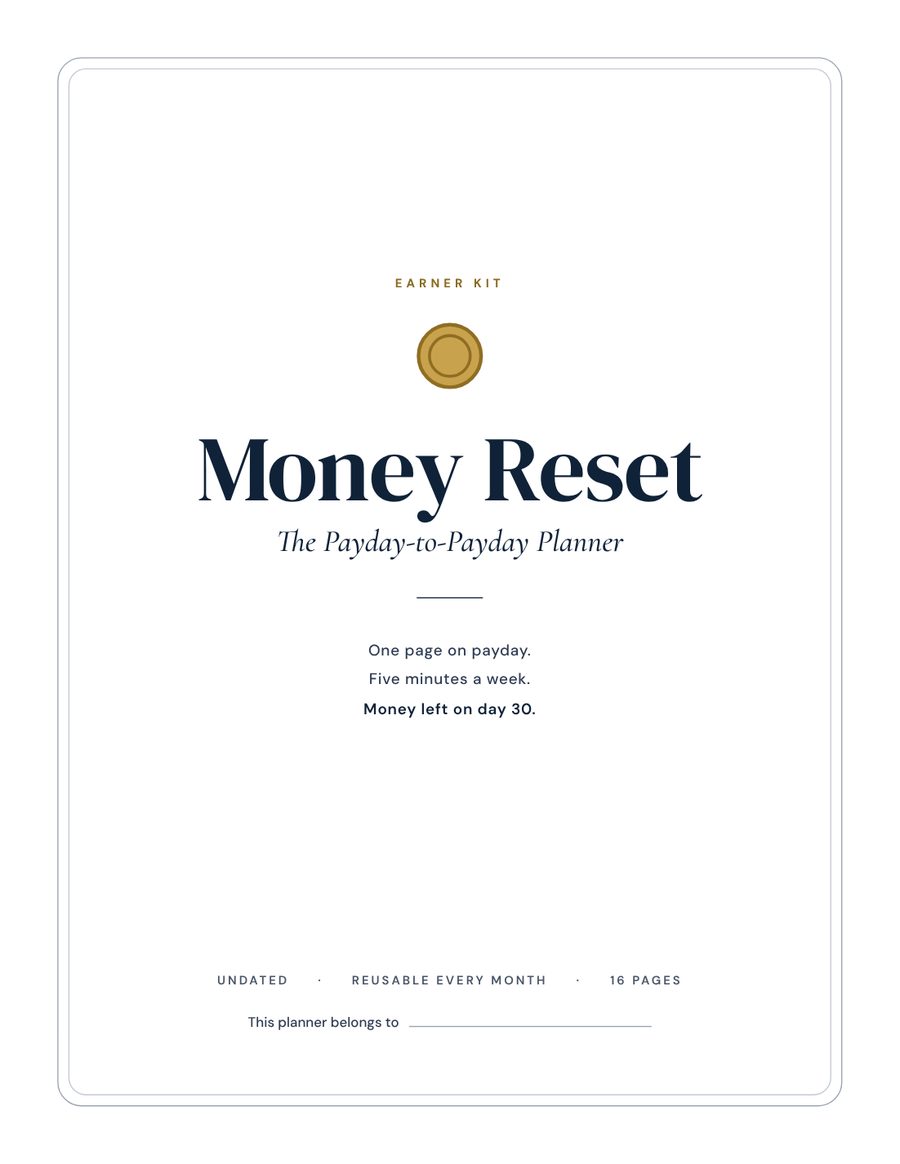
A 16-page printable planner that mirrors the app, in US Letter and A4. Print it, or don't. The app does everything on its own.
Is it for you?
Yes, if you...
- get a salary, monthly, every 2 weeks or weekly
- feel fine on payday and tight by week three
- want to save but never seem to have anything left
- hate apps that want your bank login and every coffee sorted
Not for you if you...
- want an app that connects to your bank and tracks every purchase
- need advice on debt, investing or taxes (talk to a qualified professional)
- run a business with income that changes wildly from month to month
Why not just a spreadsheet?
| Money Reset | Budgeting apps | A spreadsheet | A $5 printable | |
|---|---|---|---|---|
| A daily number that updates itself | Yes, every time you add a spend | Rarely | Only if you build the formulas | No, you do the math |
| Color calendar of your month | Yes, automatic | Charts, not your days | No | You color it by hand |
| Weekly check-in that tells you what to do | Every Sunday, with Del | Rarely | No | A blank page |
| Your bank login | Never asked | Usually required | Not needed | Not needed |
| Price | $9 once | Often a monthly subscription | Free, plus your evenings | About $5 |
One payment, yours to keep. 14-day money-back guarantee.
- The Money Reset app: your daily number, color calendar and plan
- Del's seven weekly emails, timed to your month
- The 5-minute Sunday check-in and leak hunt
- The payday ritual: 10 minutes, your new month planned
- Rescue week, for when the month goes pink
- Del in your pocket: one line a day, written for your month
- Savings jars and three challenges
- Backup to change phones, and Excel export
- Bonus: the 16-page printable planner, US Letter and A4
Instant access by email. No subscription, no bank login.
Ask away, darling.
What if it's not for me?
Write to us within 14 days of your purchase and we refund you in full. No questions. Refund policy.
Is it a subscription?
No. You pay $9 once and keep everything.
How do I get it?
Right after payment you get an email with a one-tap link and an access code that opens the app, plus the bonus planner PDF.
Do I need to download an app?
No. It opens in your browser. Add it to your home screen and it behaves like an app.
Do I need to print anything?
No. The app is the product. The printable is a bonus for anyone who likes to plan with a pen.
My pay changes every month. Does it still work?
Yes. Use your lowest normal pay. Anything extra goes to savings or a jar.
I'm paid every two weeks. Does it still work?
Yes. The app handles monthly, every two weeks and weekly pay.
Is my data safe?
Everything you type stays on your device. No account, no bank link, nothing sent to us. Changing phones? Save a backup and restore it on the new one.
Which currencies?
$, €, £, CAD and AUD.
Is this financial advice?
No. Money Reset is a planning tool for general education. For debt, investing or taxes, talk to a qualified professional.